Writing Is Design
Using words to take designs from a usable experience to an incredible experience, because when the interface doesn’t speak clearly enough, the content is there to guide users through the best version of the experience.
Choose to be Understood
Content is on the page to help users navigate and understand information. Even small changes can make a site easier to understand.
Changing the language from equipment list to activation dashboard seems insignificant, but user testing found that over 70% of users were more prepared for a multi-step flow when dashboard was used in the header.


Accuracy Above All
Information is only useful if it’s accurately understood by the user.
User testing found that 75% of users were concerned when their subscription was not immediately available, a reasonable frustration that needed a temporary content solution while the back end was updated.
The temporary solution? A notification to help the user understand what is happening and where to get more info.

Content Is More Than Words
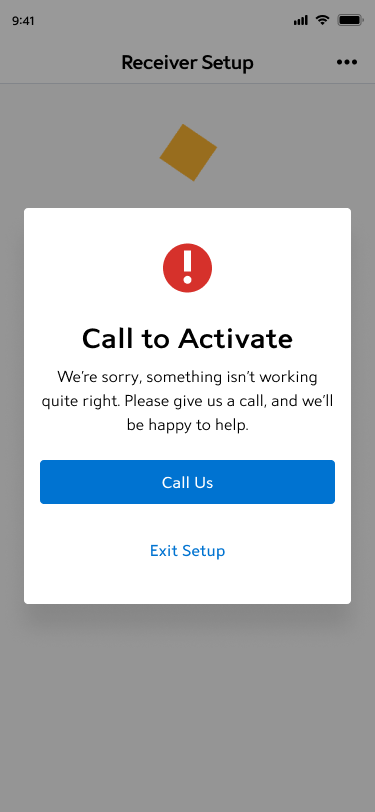
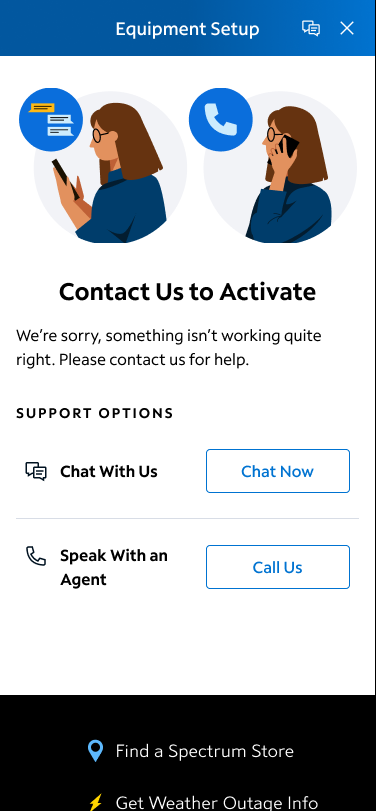
In this experience, the customer has reached a dead end. It isn’t a negative, so the error icon was removed for a more contextually appropriate image.
Crystal Clear
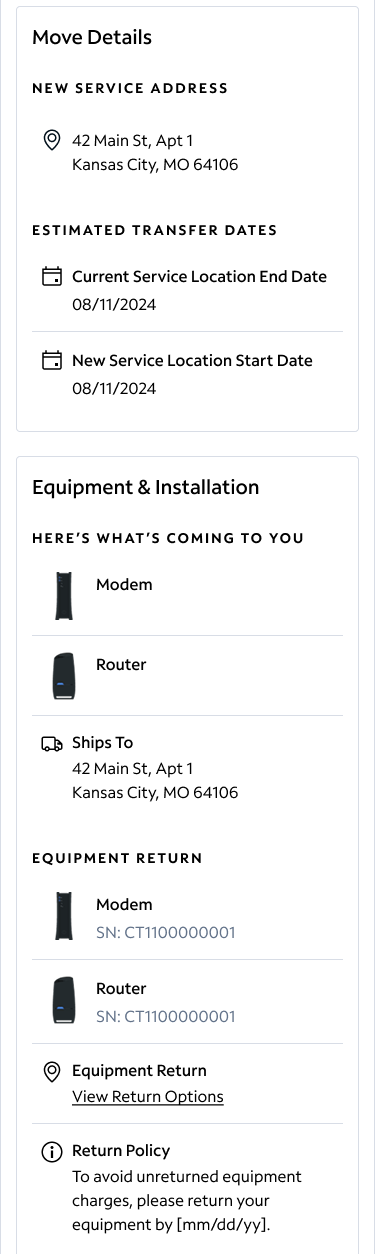
The best content can be understood by every user. Utilizing visual hierarchy, it is easier to understand the specifics of the order the customer has made.
Short and Sweet
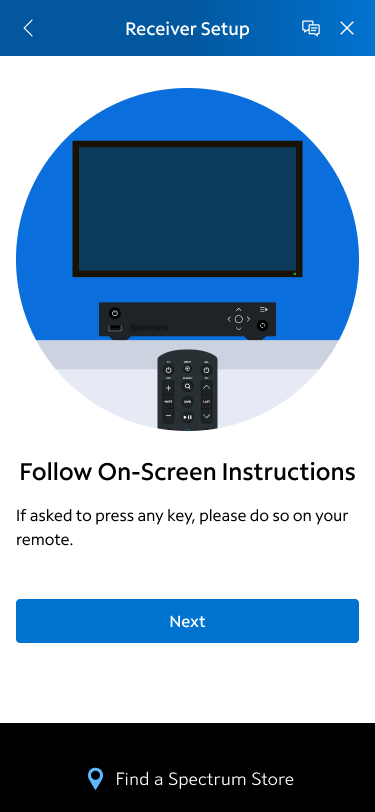
No one wants to read a block of text or have to read more information than is useful in that moment. Keeping information short made it more likely to be read.
The best example of this–a full page was removed because the content was unnecessary. Save users time by being brief and avoiding unnecessary language (or unnecessary screens).
Content Is Versatile
As a designer, I’m always advocating for the user experience. My goal is to communicate through visual design and through words to make the best experience possible.
Designing pages to guide a user through an equipment setup is where I first started writing, but I have experience from selling the product, educating the user on the product, setting up the users’ account, and helping the user troubleshoot. Through all those steps in the customer journey, I’ve found balancing the business needs with the user needs is the sweet spot for good, effective designs.
 Colleen Rafferty